From recording to plan, without retyping a thing.
Three steps, and only the last one needs you.
-
Record as usual
Tap Record in the app (it keeps going with the screen locked) or in your browser. Have a Plaud recorder? It syncs like it always has, and ELI-Brief picks up each new recording within minutes. You can also add typed or dictated notes, files and lecture videos.
-
ELI-Brief sorts it, privately
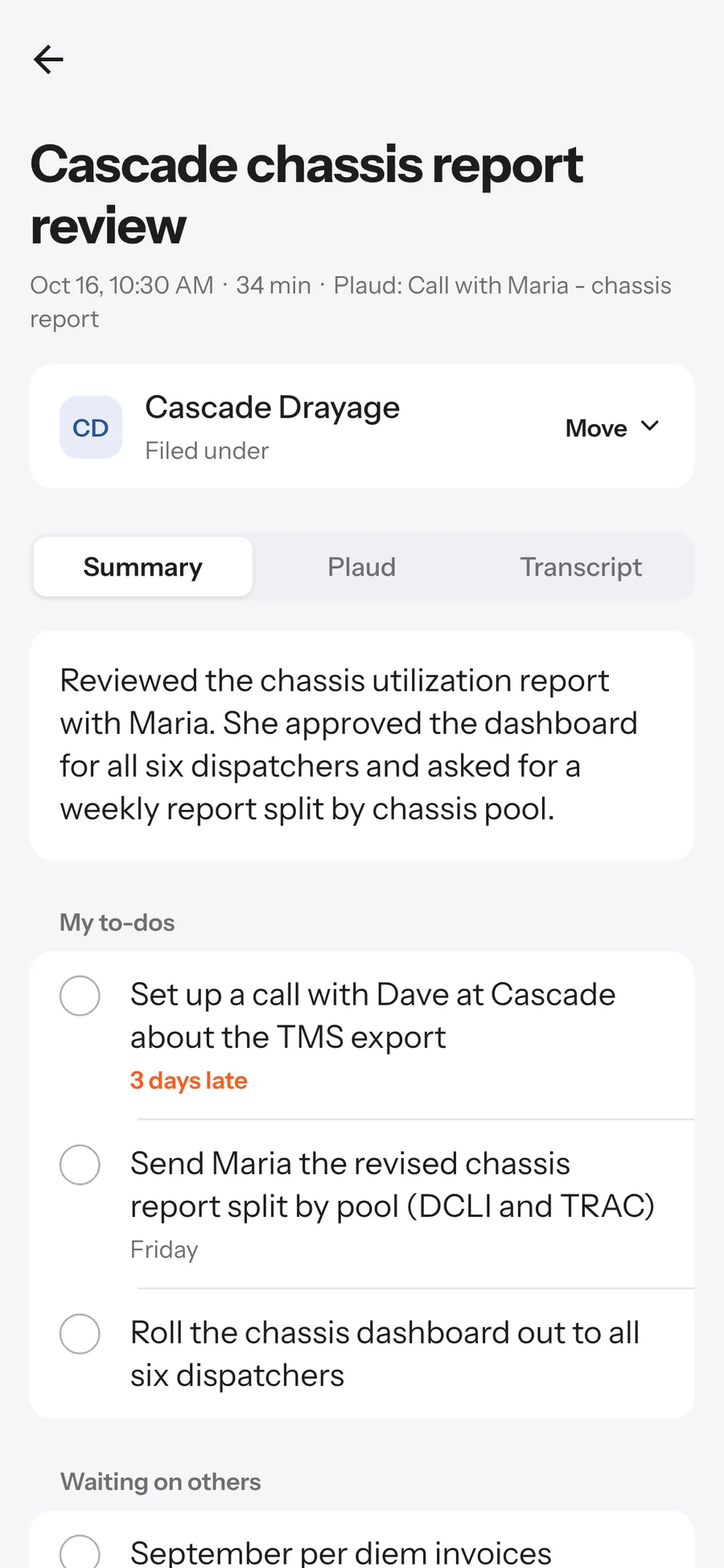
An AI model on our own hardware reads each recording and files it in the right folder: the to-dos you committed to, what you're waiting on from others, decisions, wins and facts worth keeping. When a later recording sounds like a to-do is done, it asks you.
-
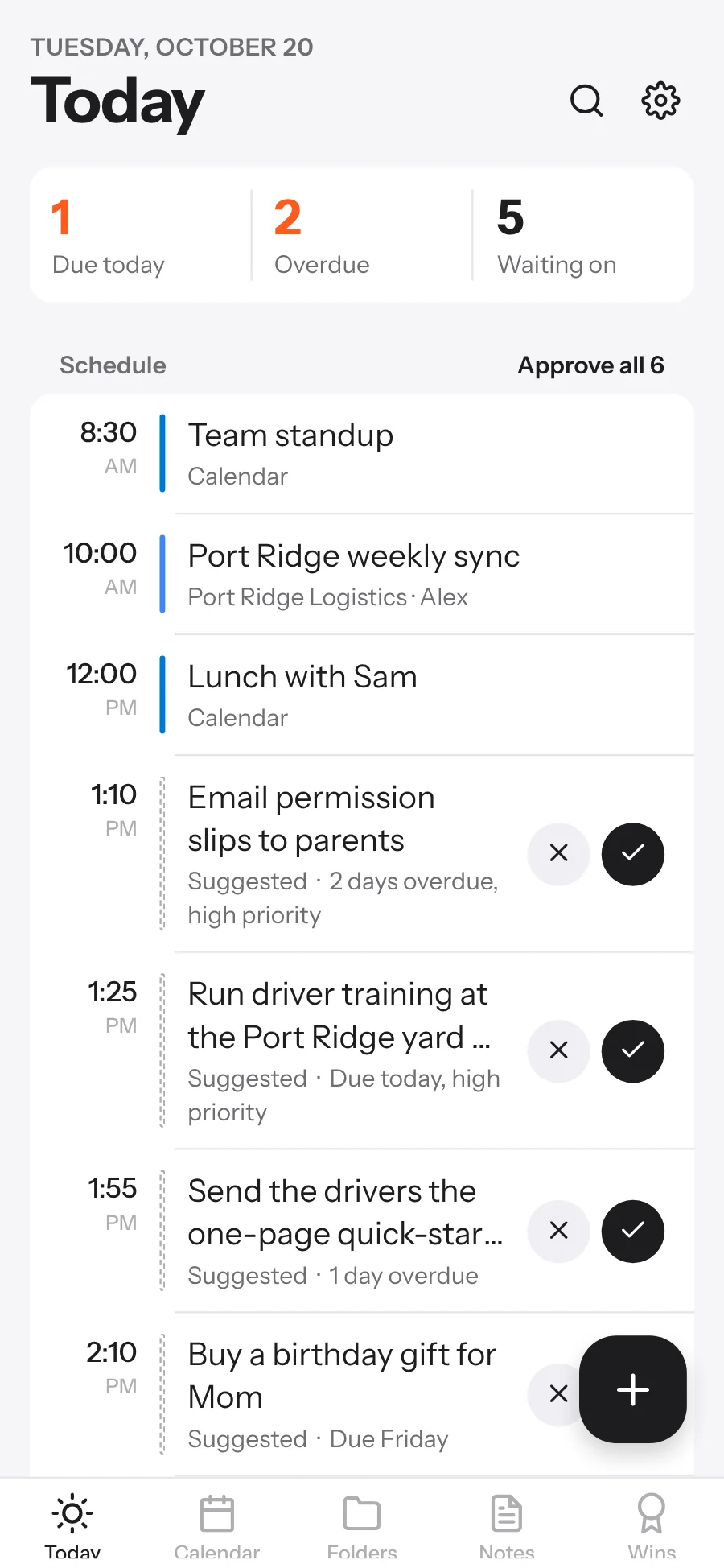
You approve your day
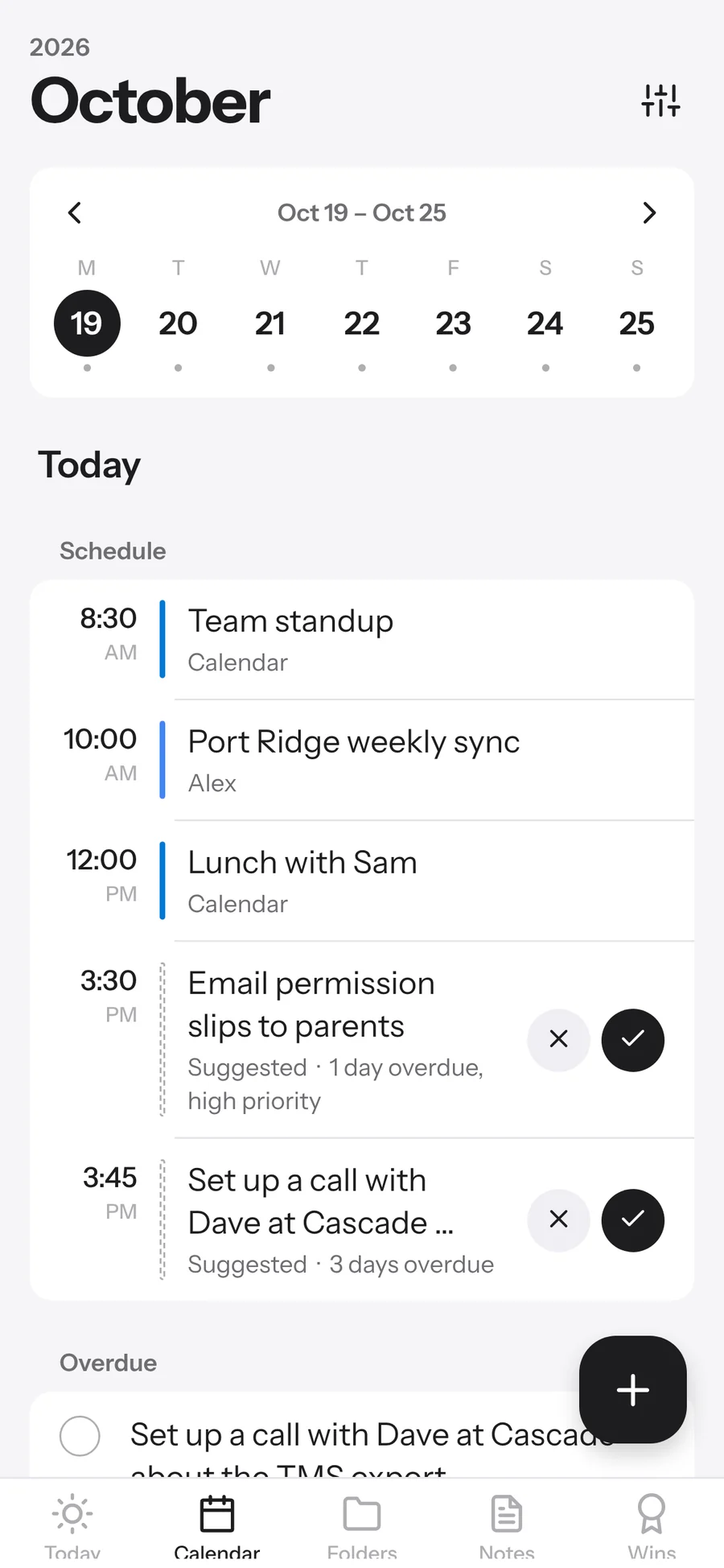
Each morning ELI-Brief suggests when to do each to-do around the meetings on all your calendars, with prep before customer calls. Nothing is added to a calendar until you tap Approve.
What happens to one recording
Every step runs on ELI-Brief's own computers, inside your account's encrypted space.
- It arrivesFrom your phone, your browser or your Plaud account, over an encrypted connection.
- Speech becomes textOn our hardware. The audio is deleted once it's transcribed.
- It's understoodSummary, to-dos with dates, who owes you what, decisions and wins.
- It's filedIn the right folder, with its own to-do list, and added to your search.
- Your day updatesToday, reminders, follow-ups and tomorrow's suggested plan.
Try it on your next meeting.
14 days free. Cancel any time.